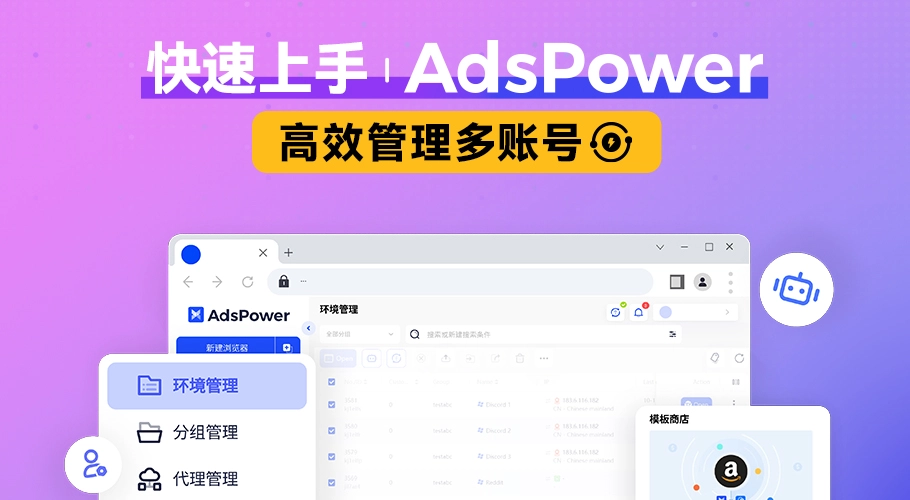
Affiliate Marketing
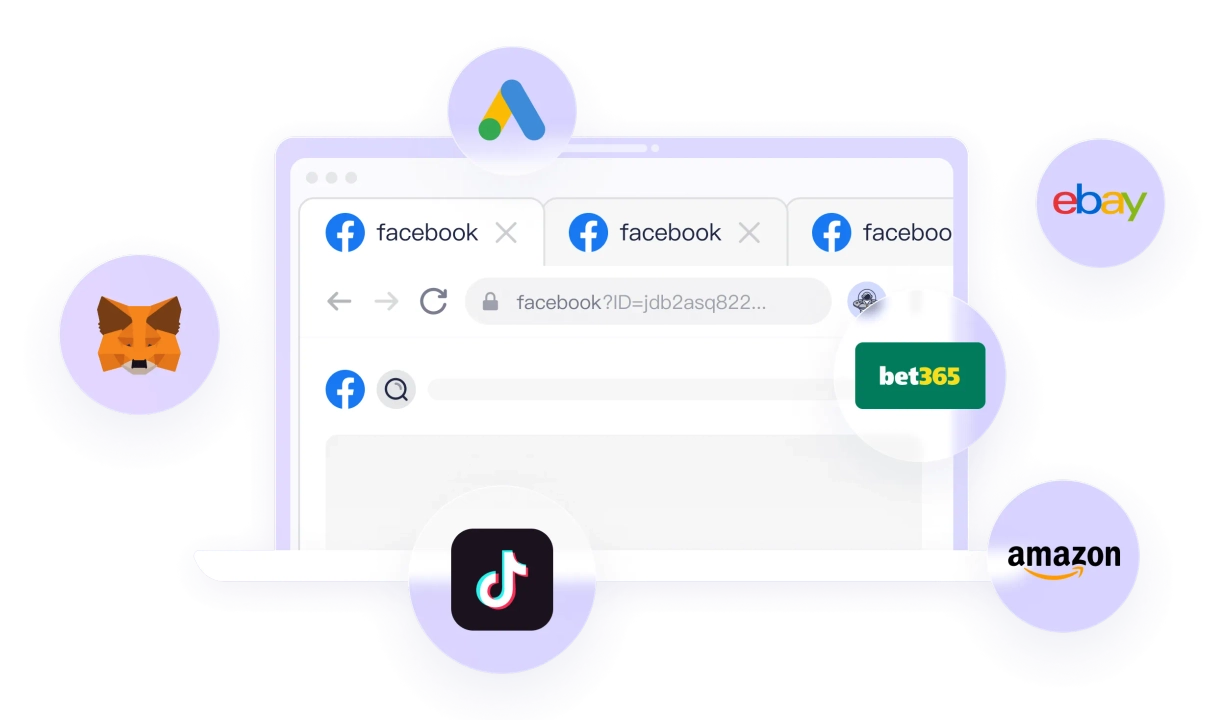
Ad accounts, affiliate dashboards, and test environments can be assigned to separate profiles with their own proxies, cookies, tags, and account notes.



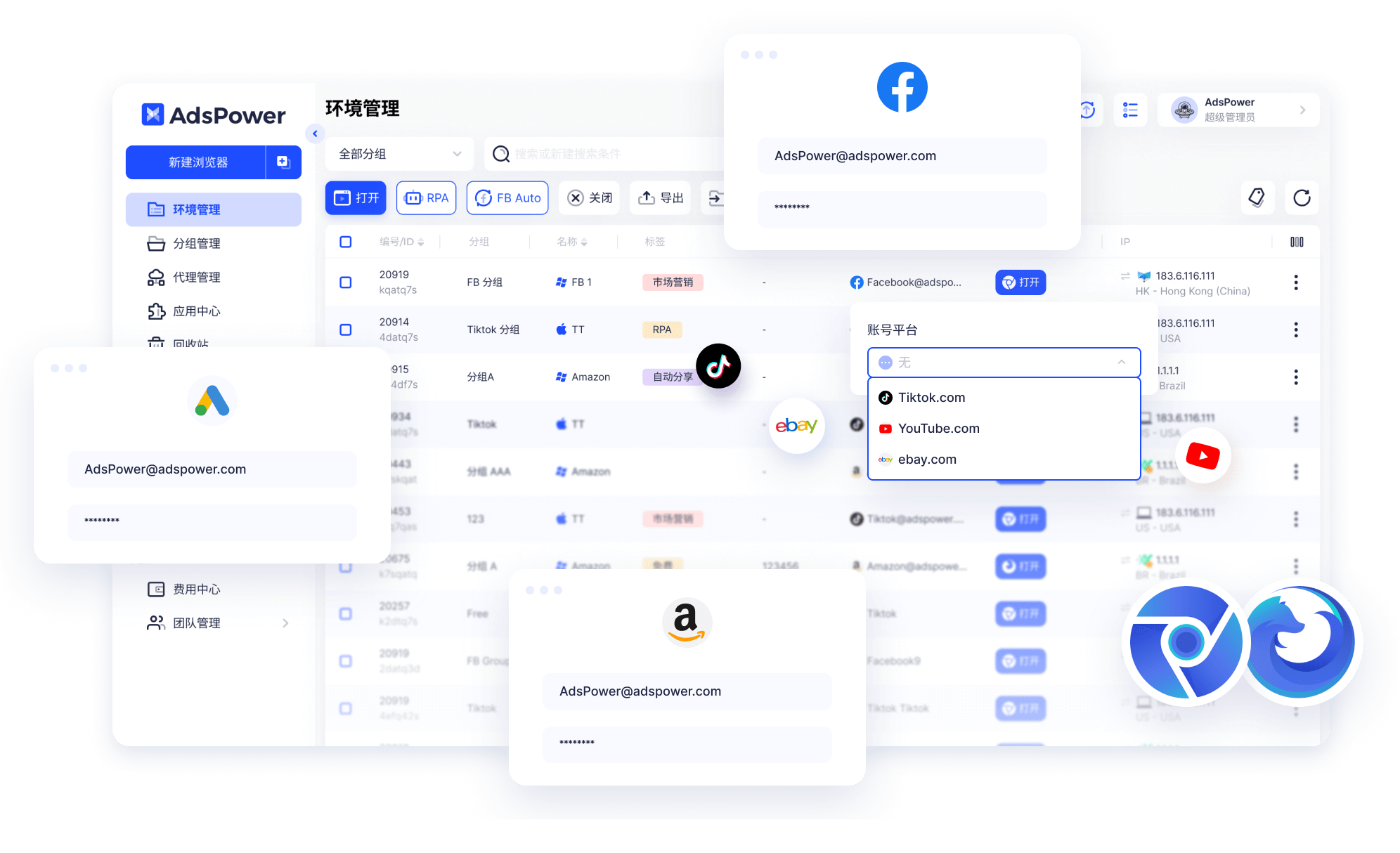

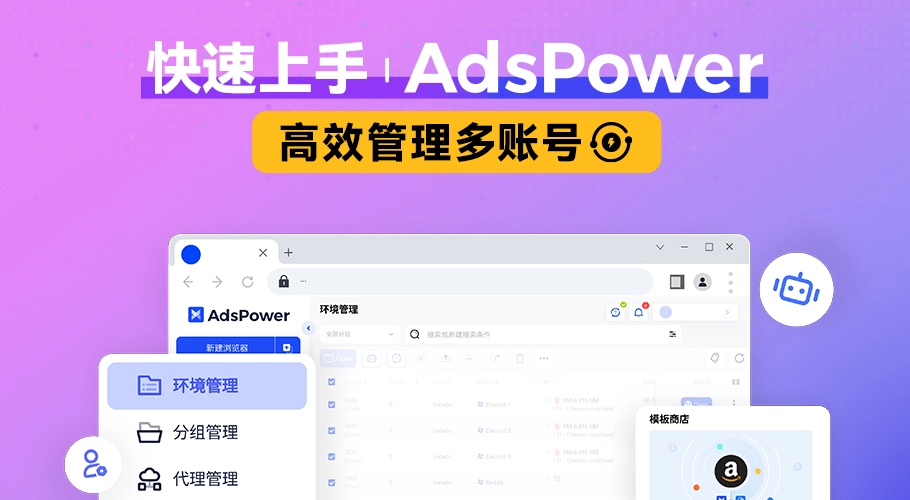
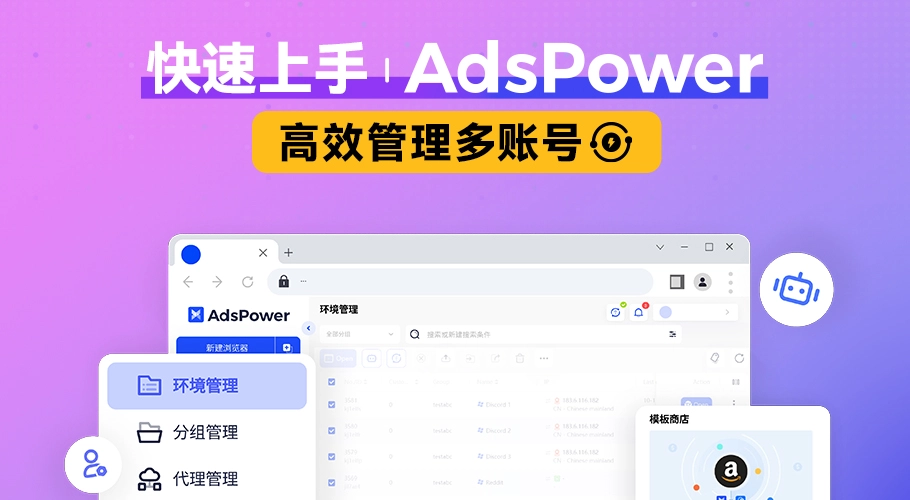
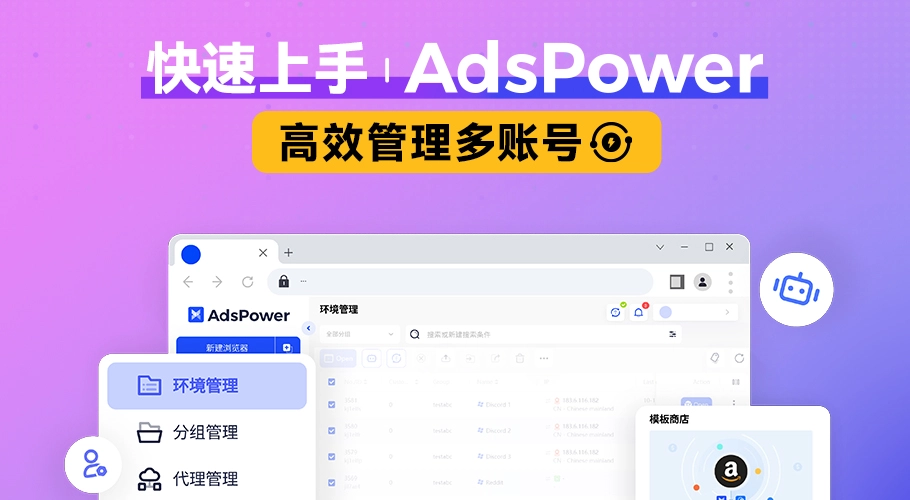
A browser profile can store its own proxy, cookies, local storage, user agent, language, timezone, resolution, Canvas, WebGL, and other environment settings. AdsPower keeps these values separate by profile so account data, browser state, and access settings can be managed independently.
Ad accounts, affiliate dashboards, and test environments can be assigned to separate profiles with their own proxies, cookies, tags, and account notes.
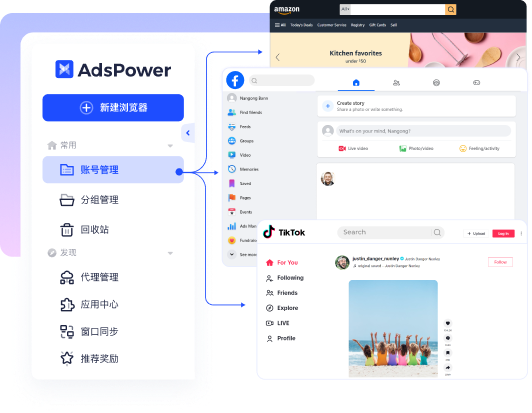
Storefront accounts across Amazon, eBay, Shopify, Lazada, Shopee, Temu, and other platforms can be separated by profile, proxy, region, project, or team member.


Separate profiles, proxy settings, and automation tools can be used for page testing, browser-based research, and public web data collection where permitted.

Campaign accounts, research profiles, landing-page checks, and test environments can be grouped and labeled inside the same profile workspace.
Social media accounts can be assigned separate profile data, proxy settings, cookies, and member permissions for ongoing account maintenance.
Each profile can store its own fingerprint settings, proxy, cookies, local storage, tags, and account notes. Profiles can also be grouped by platform, region, project, or account owner.
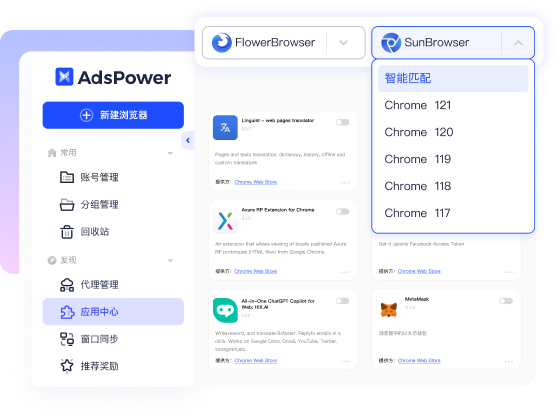
AdsPower includes Chromium-based and Firefox-based profile environments. The browser engine can be selected according to site compatibility, extension requirements, and existing profile settings.
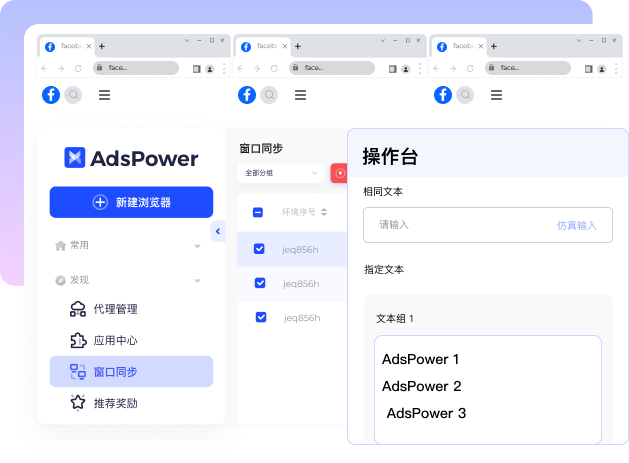
RPA can run predefined browser steps, Local API can be called by local programs, and Window Synchronizer can mirror selected actions across multiple open profiles.
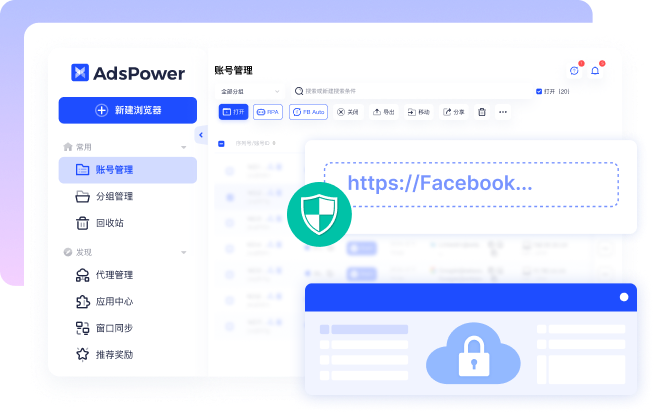
Member roles can limit which profiles and functions are available to each user. Operation records, login controls, and profile permissions can be used to review account access and configuration changes.
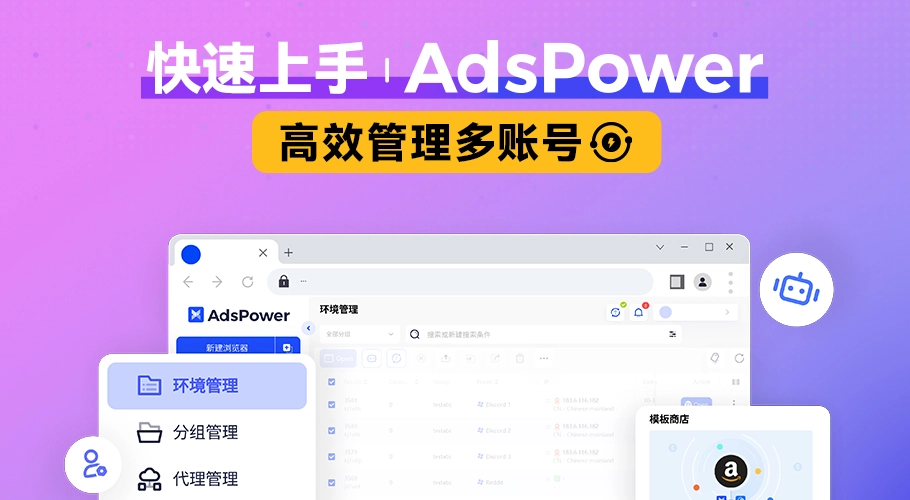


When multiple members share one workspace, profile visibility, edit permissions, login controls, and operation records can be configured separately for different roles.
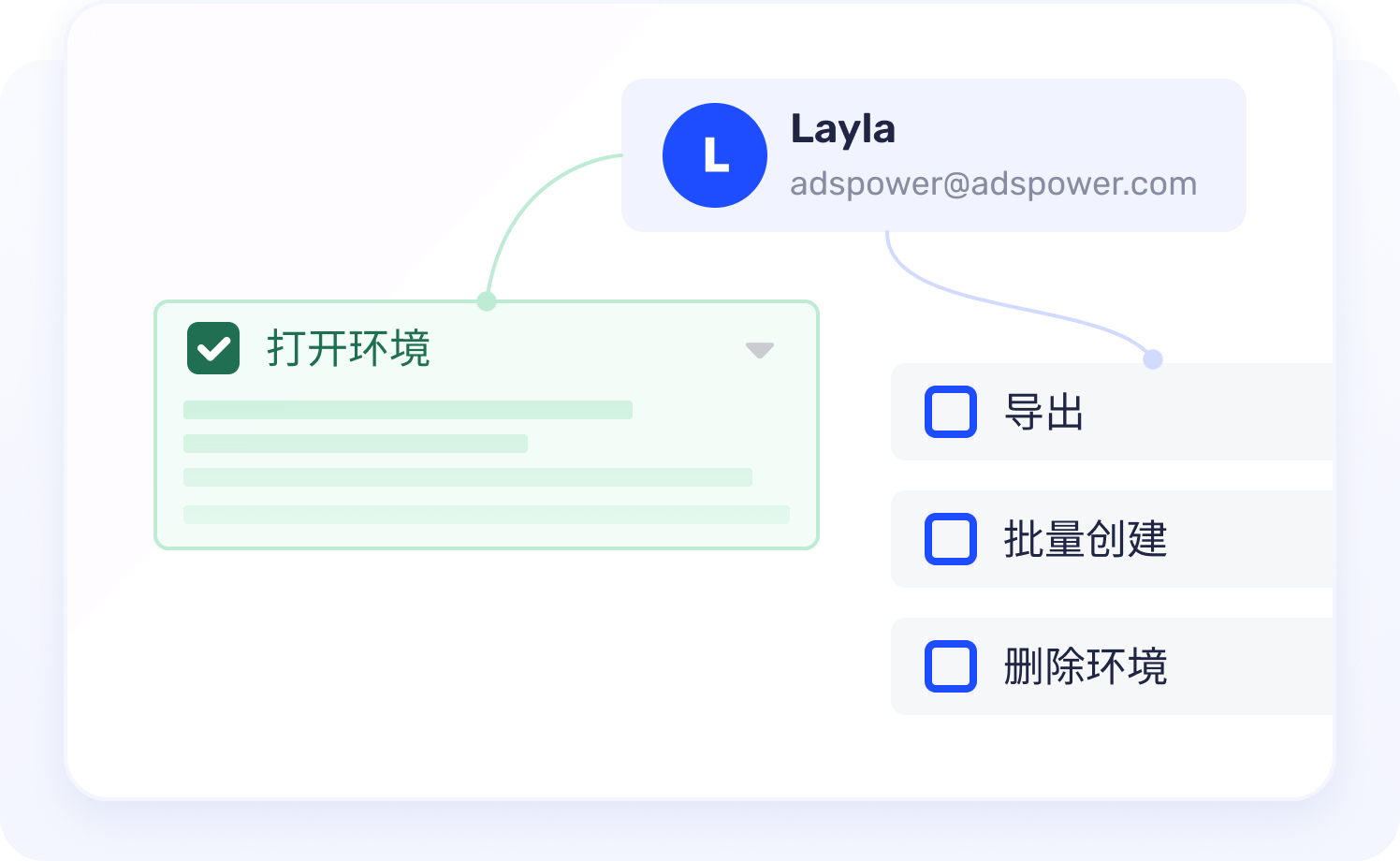
Login alerts, IP allowlists, two-factor authentication, member permissions, and operation logs can be used to control and review workspace access.
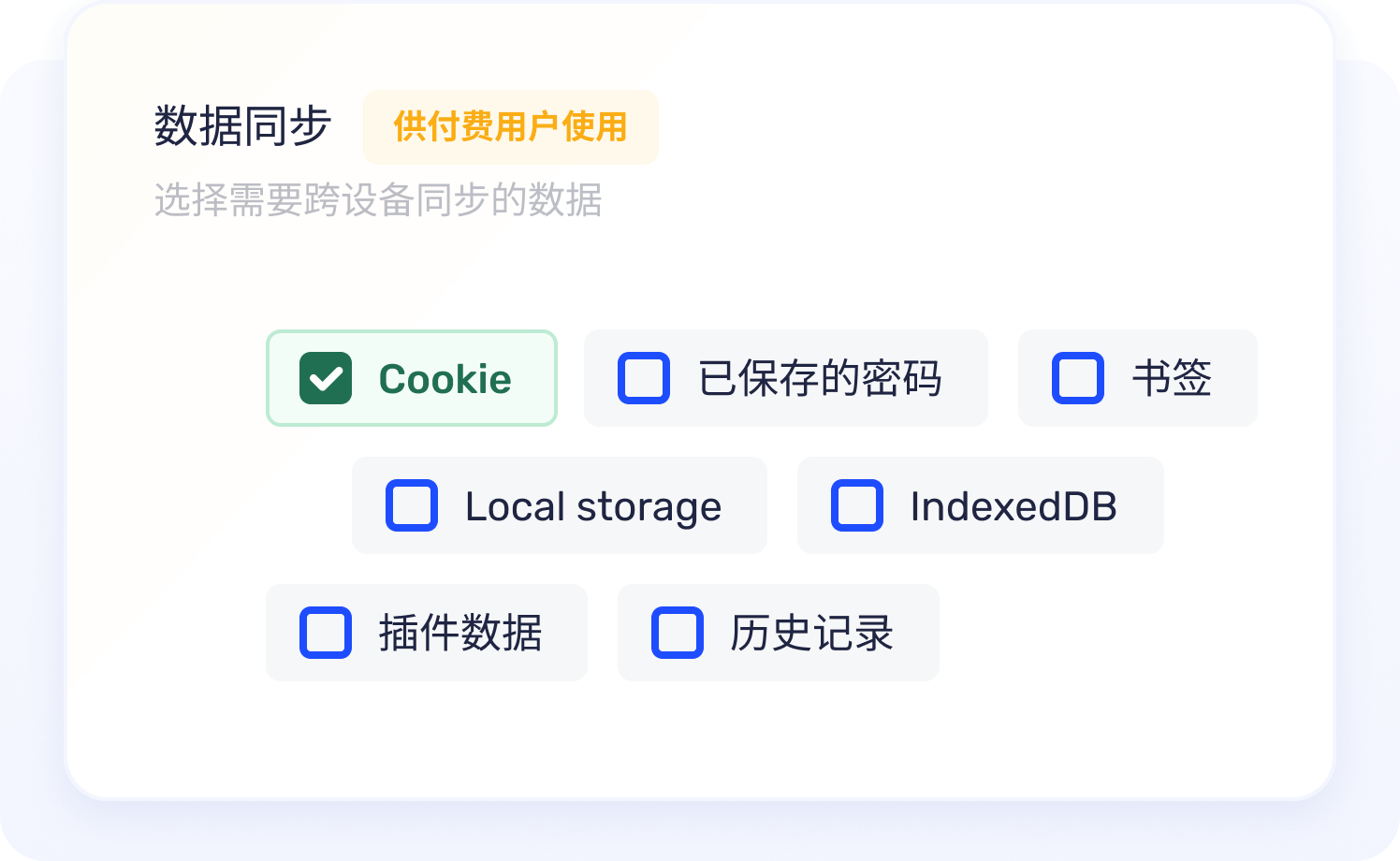
Profile data may include cookies, local storage, extension data, and account notes. Storage and synchronization settings determine how this information is kept and transferred.
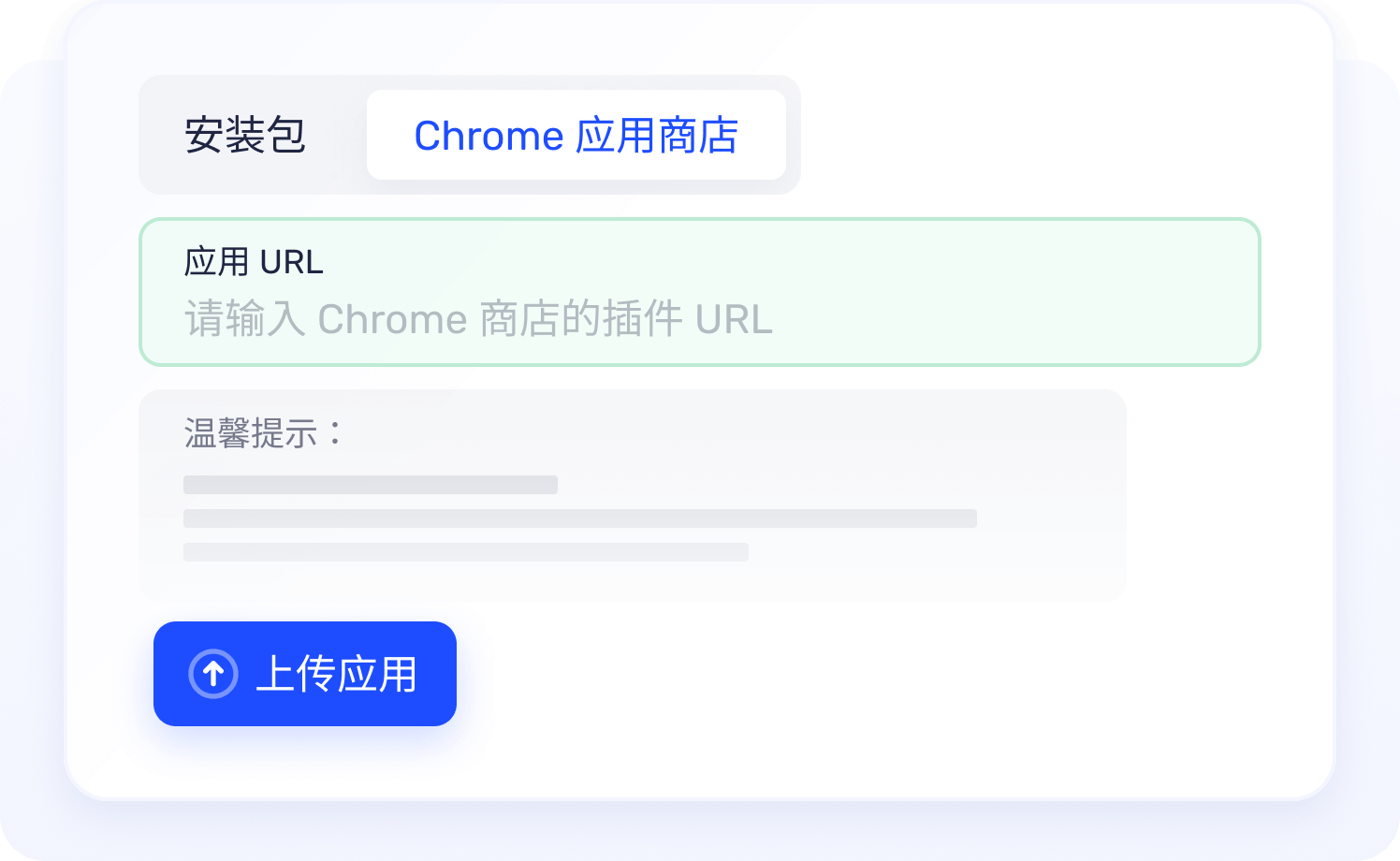
Extensions can be assigned according to profile requirements so different browser environments do not have to share the same extension set.

I have been using AdsPower to manage multiple Amazon, Facebook, and TikTok accounts for months. Its automation tools reduce repetitive work, and the browser profile isolation makes daily operations much more reliable.

AdsPower is one of the most practical fingerprint browsers I have used. For a small team managing ad accounts, storefronts, and standalone sites, it makes bulk logins and profile management much easier.

I really like this browser. The fingerprint management is strong, stability is solid, and support replies quickly. It feels dependable in daily operations.

Since adopting AdsPower, our operating efficiency has improved dramatically. Automation removes repetitive tasks so the team can focus on higher-value growth work.

Our team cares most about permissions and account safety. AdsPower makes collaboration, bulk logins, and daily profile maintenance far more organized.

For large numbers of ad accounts, browser consistency and proxy management are critical. AdsPower handles those basics well and keeps our campaign workflow stable.
I have been using AdsPower to manage multiple Amazon, Facebook, and TikTok accounts for months. Its automation tools reduce repetitive work, and the browser profile isolation makes daily operations much more reliable.
AdsPower is one of the most practical fingerprint browsers I have used. For a small team managing ad accounts, storefronts, and standalone sites, it makes bulk logins and profile management much easier.
I really like this browser. The fingerprint management is strong, stability is solid, and support replies quickly. It feels dependable in daily operations.
Since adopting AdsPower, our operating efficiency has improved dramatically. Automation removes repetitive tasks so the team can focus on higher-value growth work.
A fingerprint browser creates separate browser profiles that can store different proxies, cookies, local storage, user agents, and fingerprint settings. Each profile maintains its own browser state and environment data.
AdsPower is used to create and manage separate browser profiles, configure proxies and fingerprint settings, organize account data, assign team access, and automate browser tasks.
AdsPower is categorized as an antidetect or anti-detect browser because it supports separate browser profiles with configurable fingerprints, proxies, cookies, and storage. Use remains subject to platform rules and applicable law.
Yes. AdsPower includes RPA, Window Synchronizer, Local API, and batch profile management. These functions can run predefined steps, call local profile actions, or coordinate multiple browser windows.
Yes. AdsPower supports member roles, profile visibility controls, shared profile access, and operation records so multiple users can work within the same profile workspace.